Should Logic Pro users start with AU or standalone?
Most Logic Pro users should start with the AU plug-in route because it keeps chord generation, instruments, recording, and arrangement inside one Logic project.
Logic Pro / 01
If you want a chord generator workflow in Logic Pro, Harmonimo now has a direct path: load the AU plug-in in Logic, trigger full chords from single notes, and keep the rest of the session inside Logic instead of building an external routing chain first.
Quick answer
Use Harmonimo as a direct AU plug-in in Logic Pro when you want one-note chord generation, playable voicings, and controller-friendly harmony inside the project. The standalone route is still useful for external synths or wider MIDI rigs, but most Logic sessions should start with the native AU workflow.
Section 01
The setup is simpler now.
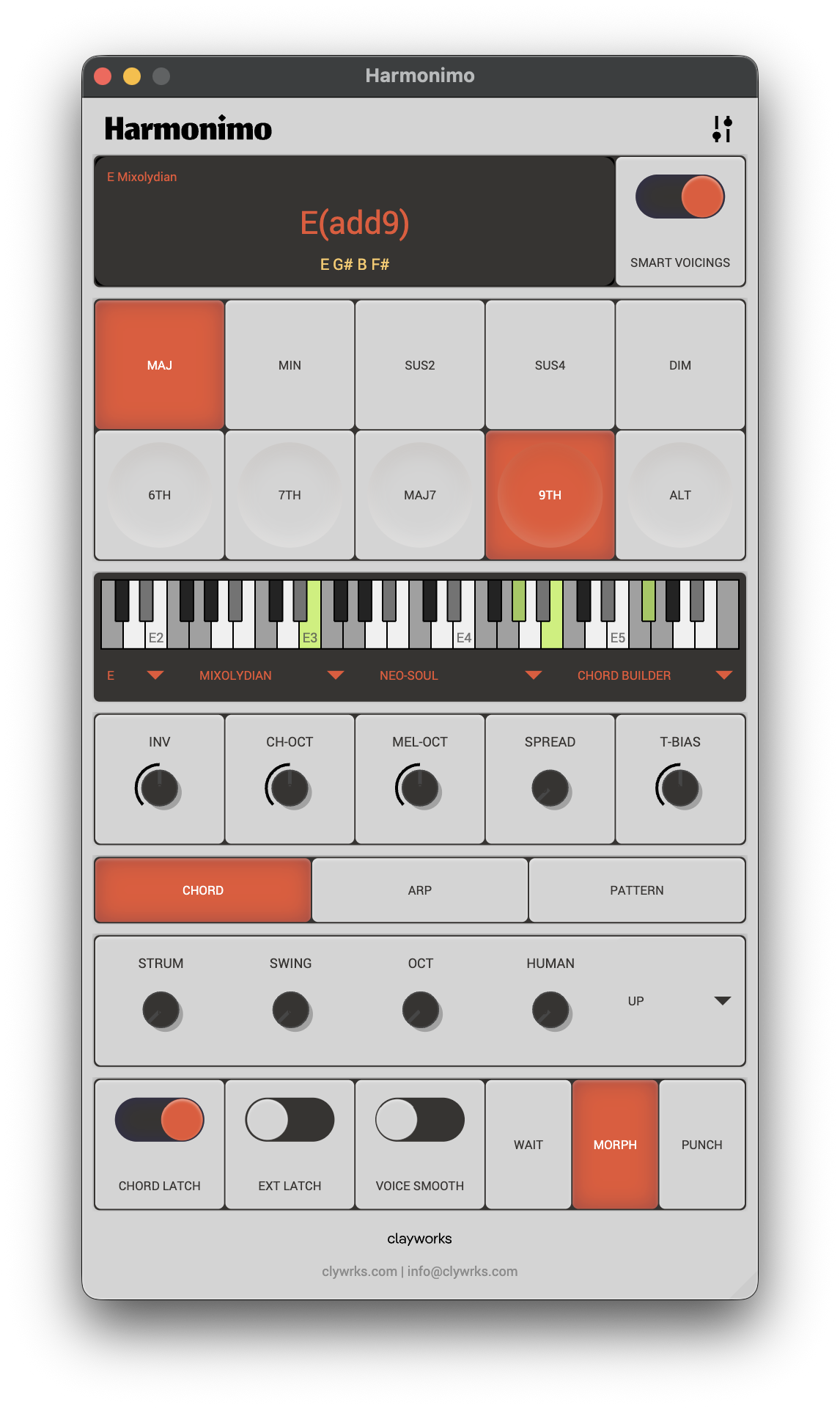
Harmonimo now supports Logic Pro directly through AU, so the normal starting point is a native plug-in workflow inside the project. That keeps chord generation, instrument choice, recording, and arrangement decisions in one place instead of splitting them across separate apps.
In practice, that means Logic users can load Harmonimo, play a note, shape voicings and extensions, and keep moving without setting up a virtual MIDI bus first.
Section 02
The Logic advantage is keeping the harmony work close to the session.
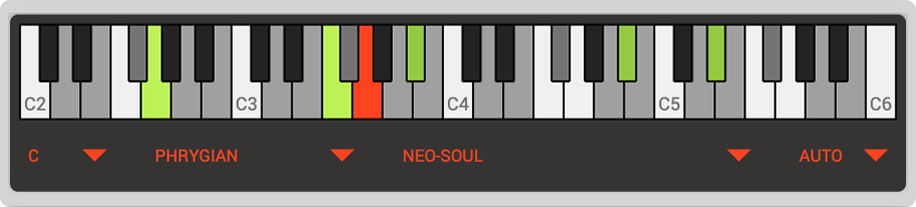
Logic users usually want quick progression sketching, one-handed harmony, and controller access without breaking the flow of the arrangement. Harmonimo fits well there because you can keep your keys, synths, and arrangement decisions inside the same session while the plug-in handles the harmonic translation.
That is especially useful when you want to test extensions, inversions, strum, and spread against the same patch. You can move between cleaner pop voicings and richer neo-soul or jazz colors without rebuilding the MIDI by hand every time.
Section 03
The direct AU route should be the default, but it is not the only option.
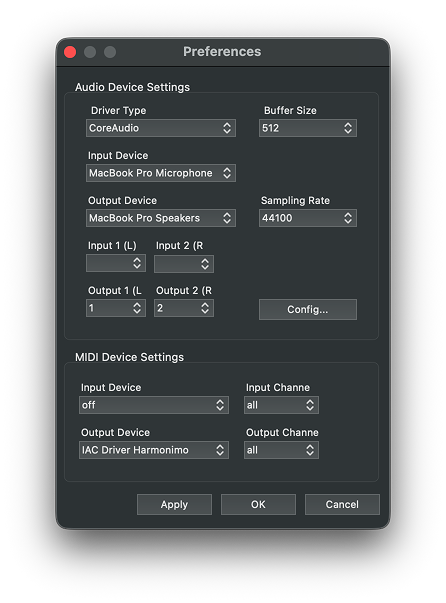
Standalone routing is still useful when you want a separate performance surface, an external synth path, or a more modular multi-app MIDI setup. Harmonimo Standalone plus a virtual MIDI bus remains a valid route when you deliberately want that flexibility.
For most Logic users, though, the native AU path is the cleaner start. Use virtual MIDI only when you intentionally want to split the harmony engine away from the main project.
FAQ
Most Logic Pro users should start with the AU plug-in route because it keeps chord generation, instruments, recording, and arrangement inside one Logic project.
Standalone routing is better when Harmonimo needs to act as a separate performance surface, drive external synths, or feed a wider cross-app MIDI setup.